




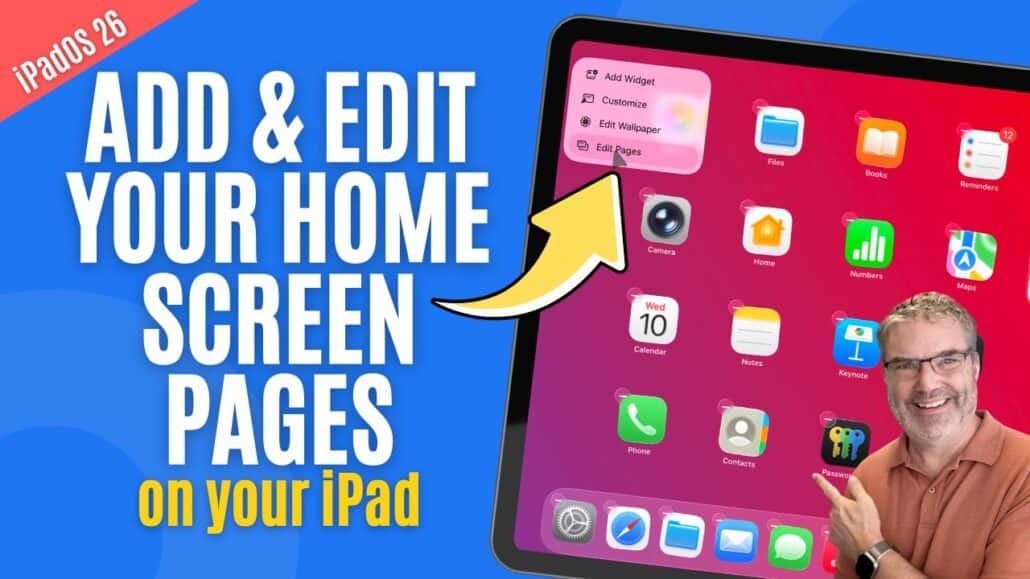
Wish Your iPad Felt More Organized? Start with Home Screen Pages!
Introduction Your iPad’s Home Screens are where you keep your apps organized, and knowing how to manage them effectively can make your device much easier ...
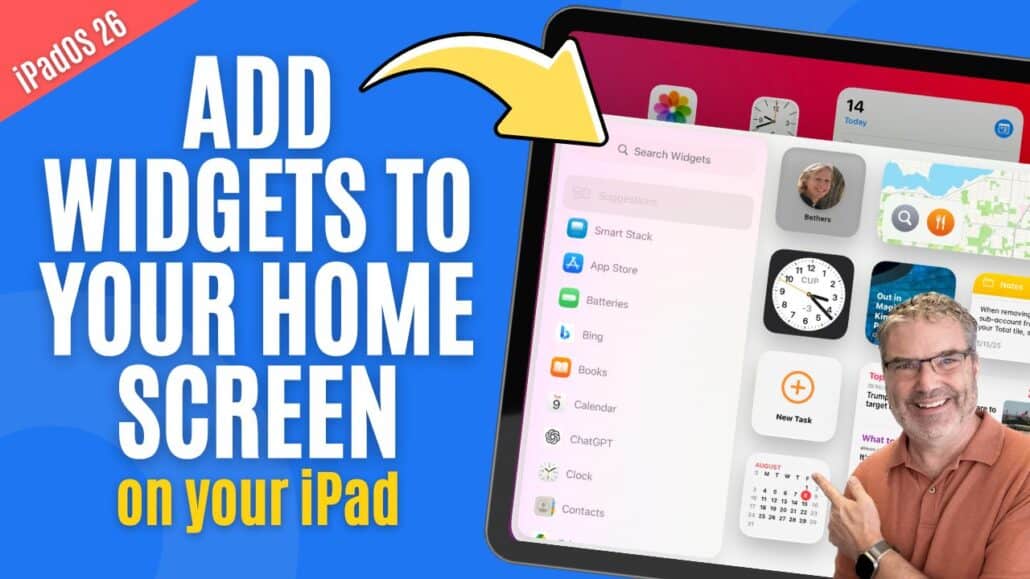
Can Widgets Make Your iPad Easier to Use? Absolutely!
Introduction Managing widgets on the iPad is an easy way to customize your Home Screen and make important information available at a glance. Widgets allow ...
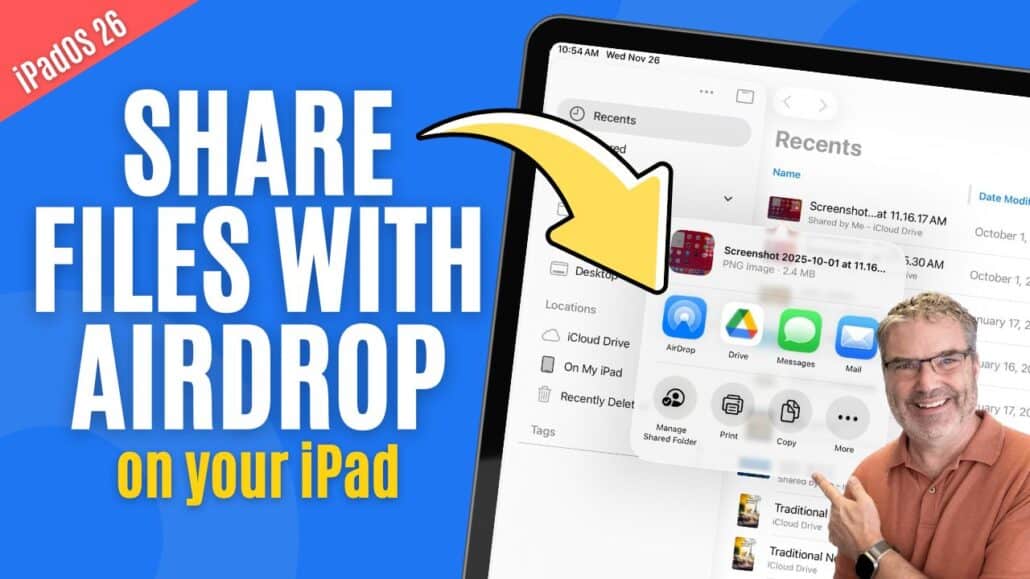
Confused About AirDrop on iPad? Here’s How It Really Works!
Sharing Files from Your iPad Sharing files from your iPad is something you’ll likely do often, whether it’s sending photos to friends, sharing documents with ...
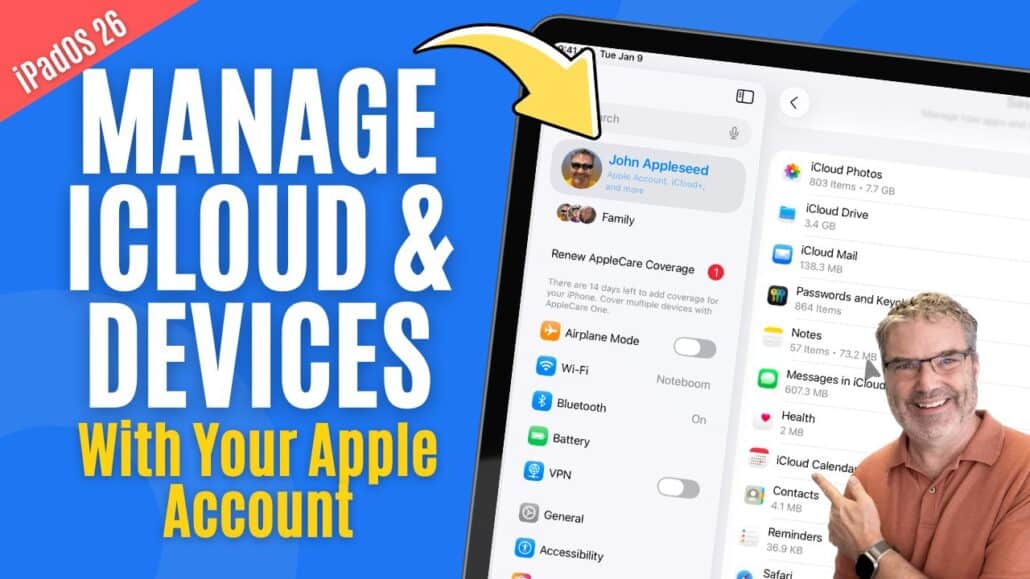
Manage iCloud & Devices with your Apple Account
Managing iCloud & Devices with Your Apple Account Your Apple Account is the center of nearly everything you do on your iPad. From syncing your ...
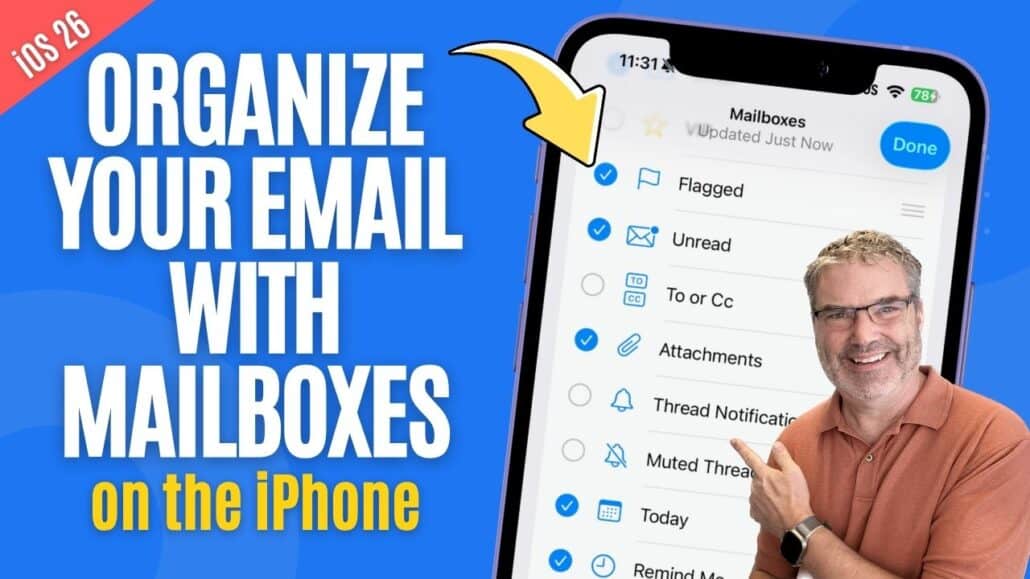
Want to Stop Losing Emails on your iPhone? Mailboxes Can Help!
Managing Mailboxes on the iPhone Keeping your email organized on the iPhone is much easier when you understand how Mailboxes work. Mailboxes let you group similar messages, ...
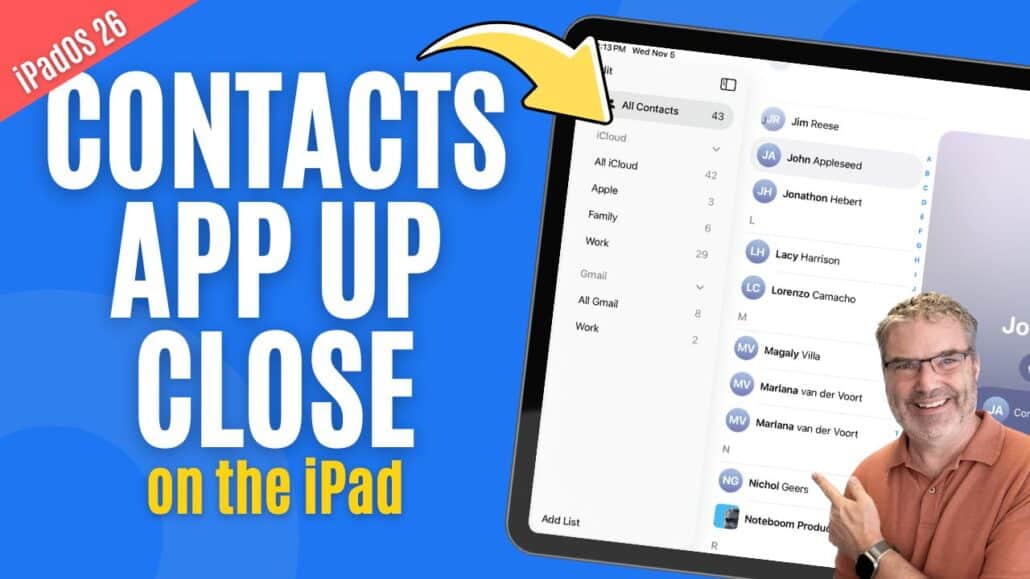
Can You Really Organize Contacts on iPad? Yes — Here’s How!
Introduction Keeping your contacts organized on your iPad helps you stay connected effortlessly — whether you’re reaching out to family, friends, or colleagues. The Contacts app makes ...

Make Phone Calls on an iPad with the Phone App
Introduction Did you know your iPad can make and receive phone calls? This was introduced with iPadOS 26. With a few simple settings, your iPad ...
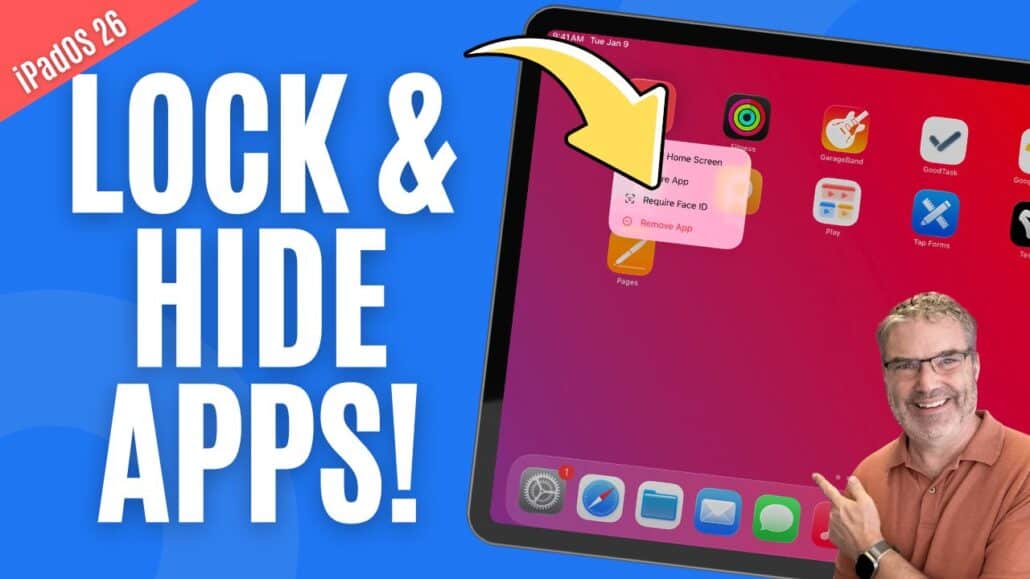
Want to Keep Certain Apps Private? Easily Lock & Hide Them!
Introduction Keeping your information private is easier than ever on the iPad. Whether you want to protect a sensitive app with Face ID or simply ...

Want Faster Access to iPad Settings? Customize the Control Center!
Introduction The Control Center on the iPad gives you quick access to your most-used features—like adjusting brightness, connecting to Wi-Fi, or enabling Focus modes. With iPadOS, Apple ...
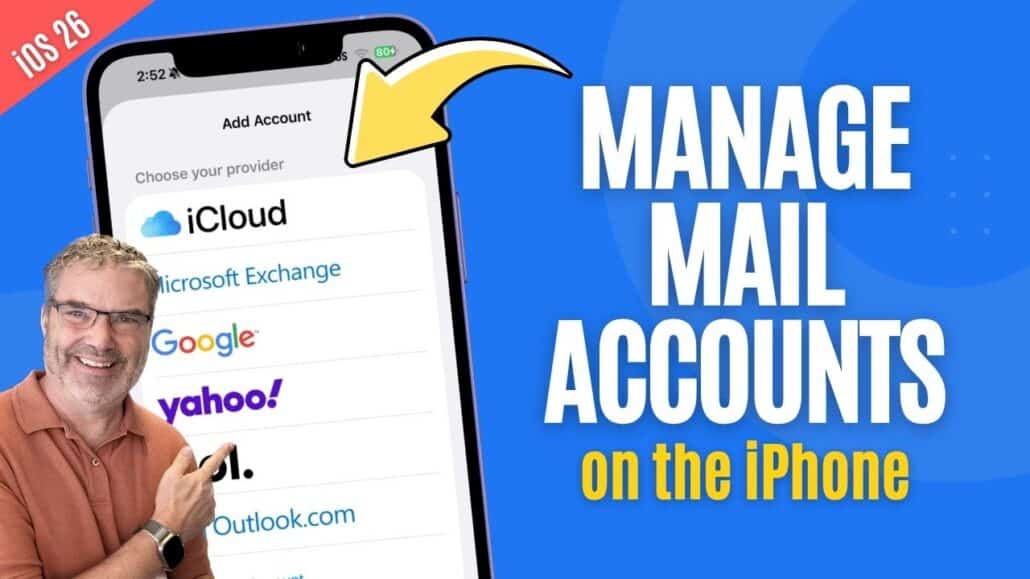
Want a Cleaner Inbox on iPhone? Manage Accounts Like This!
Introduction Managing your email accounts on your iPhone is easier than ever. Whether you use iCloud, Gmail, Outlook, or another provider, the Mail app on your iPhone ...
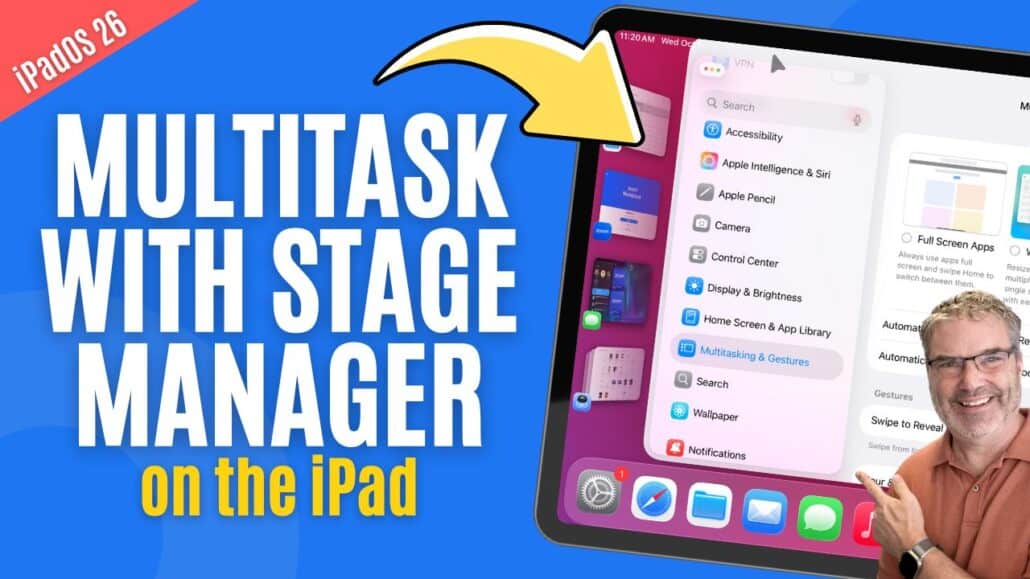
Multitask with Stage Manager
Introduction The iPad has always been known for its clean, simple interface, but as Apple continues to add more powerful features, it’s becoming a serious ...
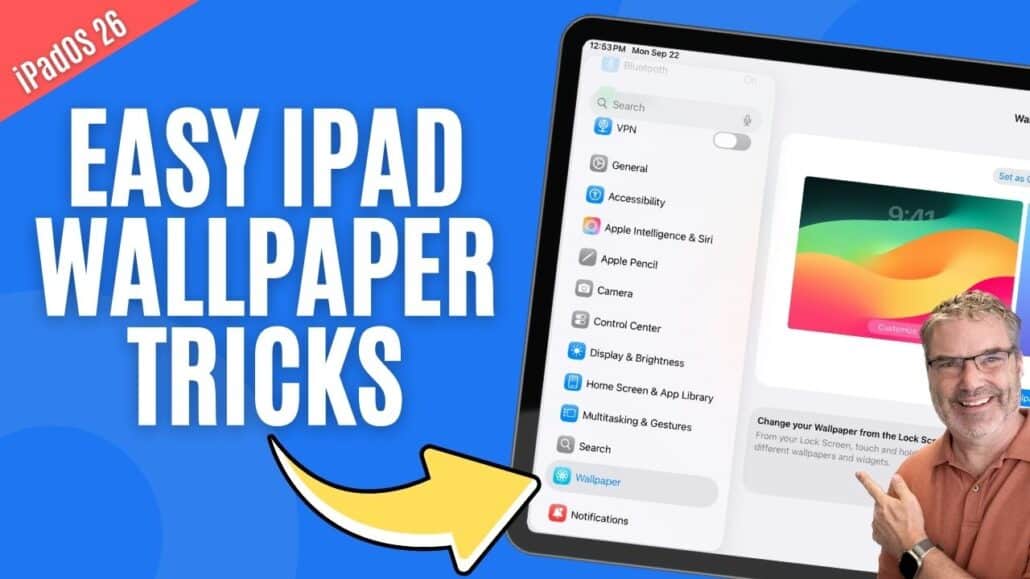
Want to Personalize Your iPad? Customize Wallpapers Today!
Introduction Personalizing your iPad is one of the easiest ways to make the device feel like it’s truly yours. A great starting point is customizing ...
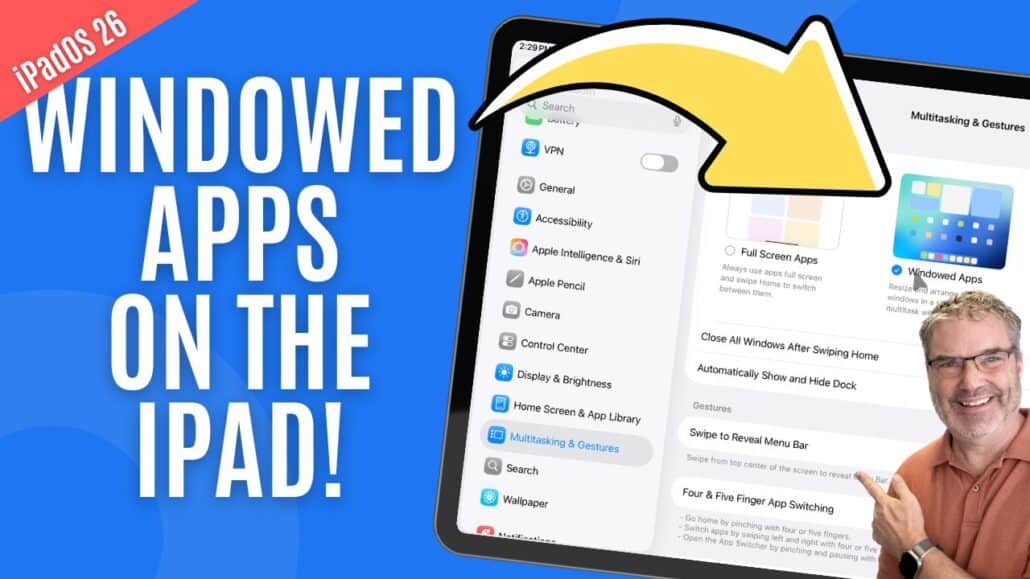
Can You Use Apps Like Windows on iPad? Yes with iPadOS 26!
Introduction With iPadOS 26, Apple introduced windowed apps, a major step forward in making the iPad feel more like a computer. Instead of forcing every app ...
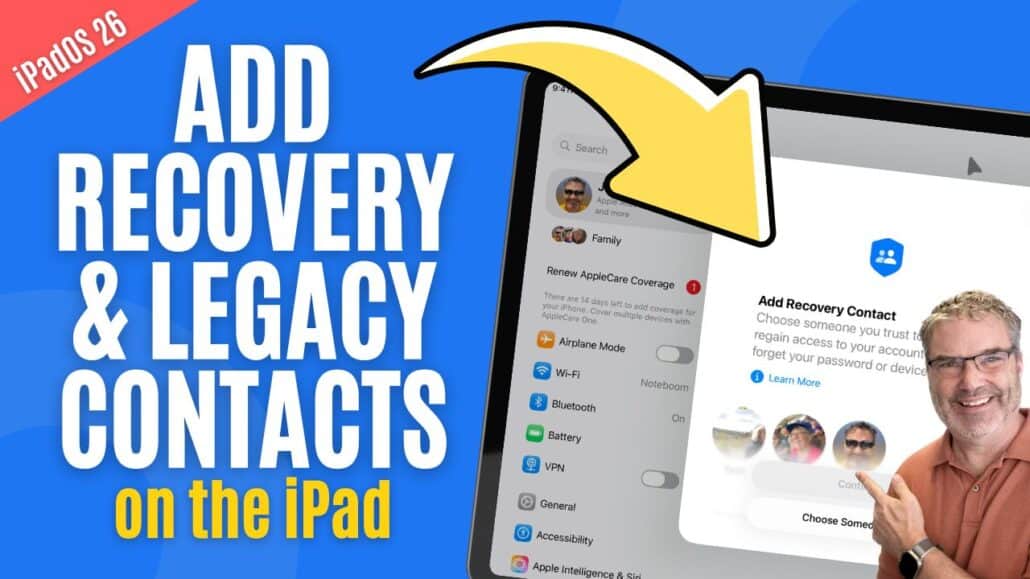
Add Recovery & Legacy Contacts for your Apple Account
Introduction Apple includes important tools in iPadOS that help you prepare for the unexpected. Two of the most valuable are Recovery Contacts and Legacy Contacts. These options make ...
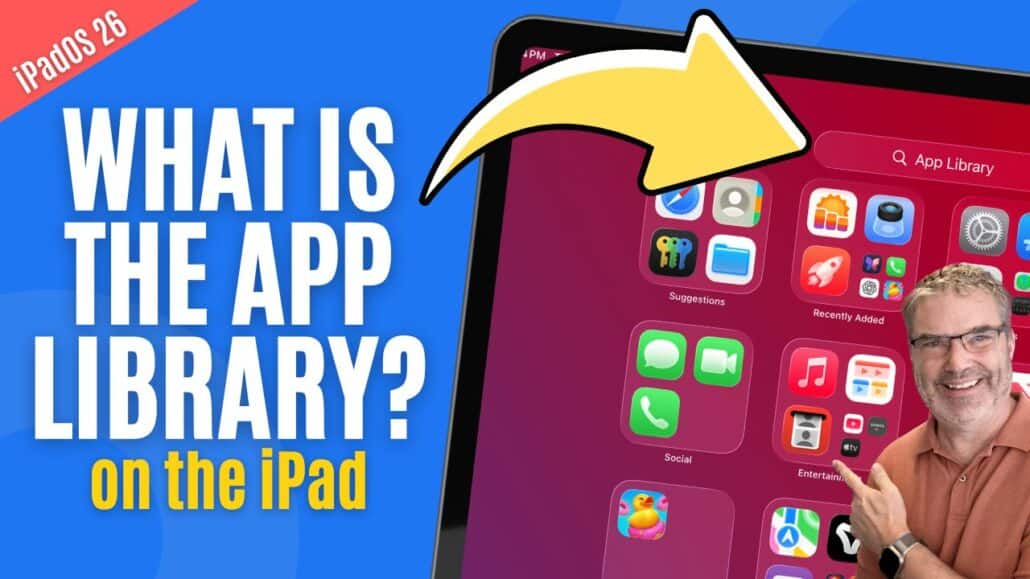
Overwhelmed by Apps on iPad? Let the App Library Help!
Introduction Your iPad gives you several ways to organize and find your apps, and one of the most helpful tools is the App Library. Introduced to ...
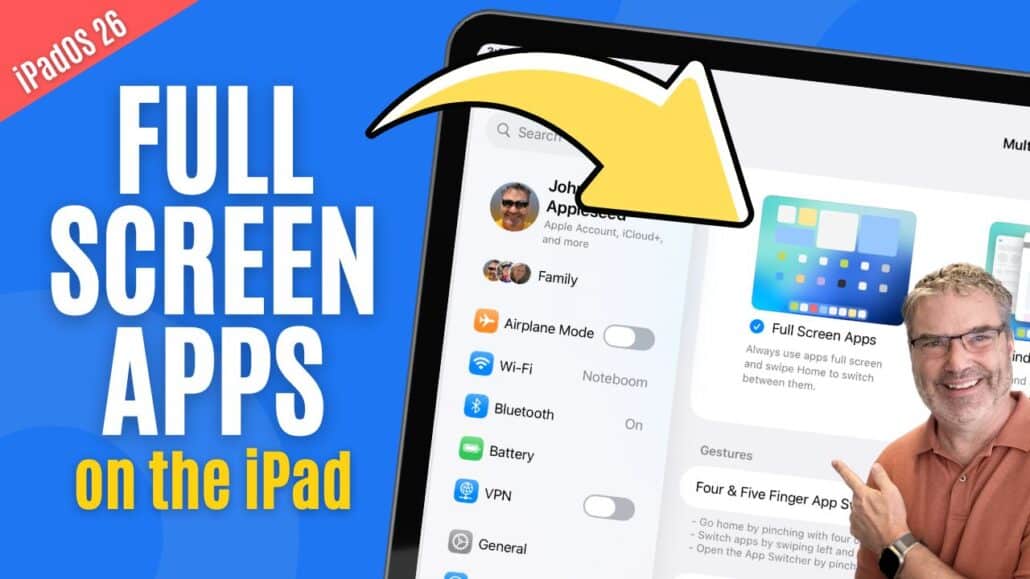
Full Screens Apps Mode in iPadOS 26
Introduction With iPadOS 26, Apple introduced a new way to use your apps: Full Screen Apps mode. This feature takes advantage of the iPad’s large display ...
iOS 26.2: All the new features now available on your iPhone
After several weeks of beta testing, iOS 26.2 is now available for all iPhone users. The update brings new features for Apple Podcasts and Apple ...
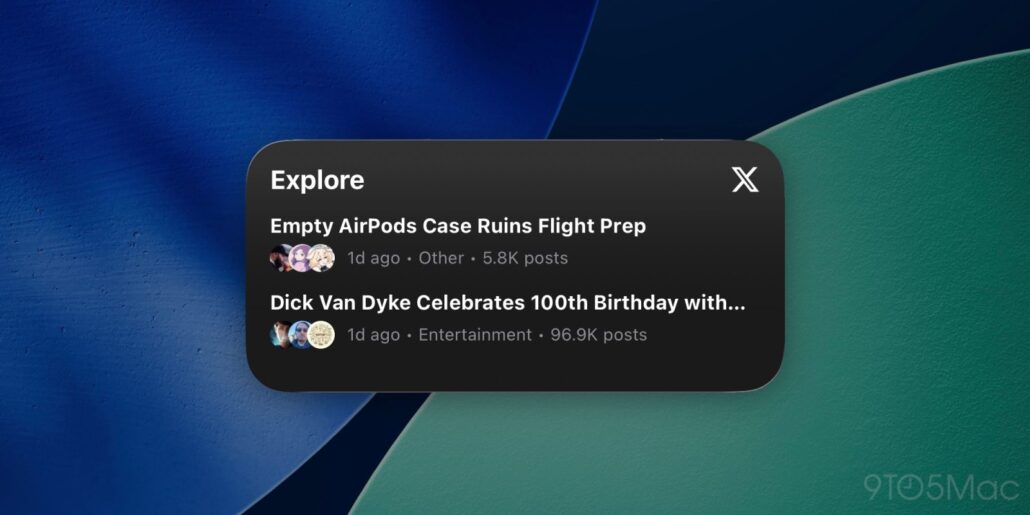
X for iOS finally offers widgets, five years after first teasing them
X for iOS has finally rolled out widgets for your Home Screen and Lock Screen. more…This post was originally published on this site
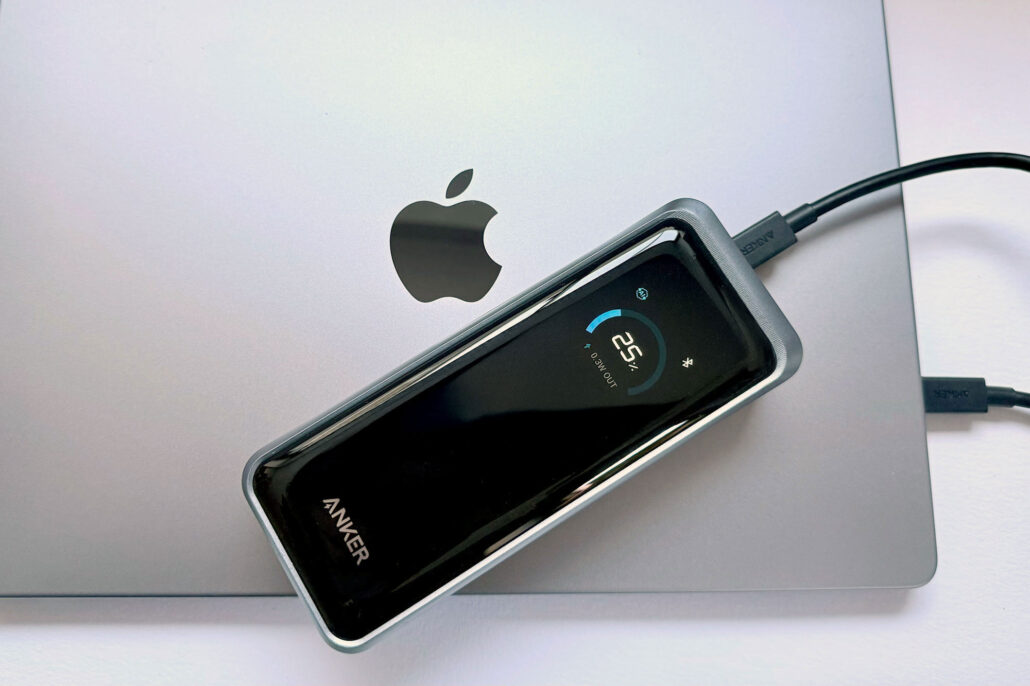
Best laptop power banks for Apple MacBook 2026
Macworld Many of us are quite used to carrying around a handy power bank to top up our iPhone batteries during a long day away ...
One of the only private AI assistants just lowered the price for a lifetime license to $79
Macworld TL;DR: Pansophy is a private AI assistant, and it’s only $79 for life right now. OpenAI just lost the lawsuit to keep its chat logs private. ...
Apple releases OS 26.2 updates
Wrapping things up for the calendar year, Apple has released its final OS 26.2 updates for Mac, iPhone, and iPad. Perhaps the biggest changes are ...

Sneaky Sasquatch comes to Apple Store locations this holiday season
This holiday season, Apple Arcade players can dive deeper into the world of the hit game Sneaky Sasquatch.This post was originally published on this site
Apple Fitness+ expands to 28 new markets
Apple today announced Apple Fitness+, the award-winning fitness and wellness service, is expanding to 28 new markets.This post was originally published on this site
Apple Manufacturing Academy launches virtual programming
Apple today expanded its Apple Manufacturing Academy with new virtual programming.This post was originally published on this site